STEM/LAB
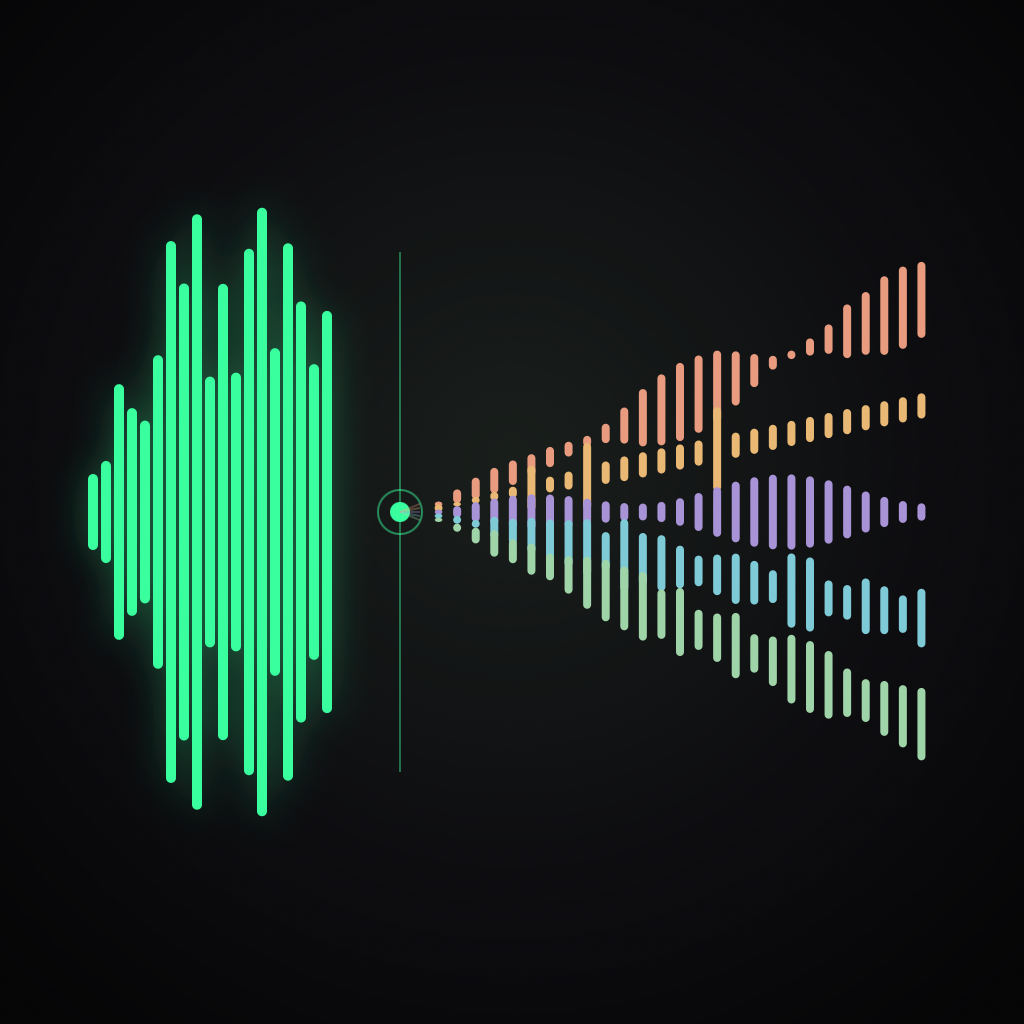
Separate any song into six isolated stems. Vocals, drums, bass, guitar, piano, and the rest. On your iPhone. Nothing uploaded.
 iPhone · 4-stem & 6-stem AI
On-device AI.
Import any MP3, WAV, FLAC, M4A, MP4, or MOV file up to 500 MB. Choose a 4-stem or 6-stem model to extract vocals, drums, bass, guitar, piano, and more. All processing happens on your iPhone — nothing is uploaded.
Sounds like a DAW.
Control each stem's volume independently. Solo or mute any track. Scrub the timeline with centisecond precision and watch live waveforms update in real time.
Six-effect chain per stem.
Shape each stem with Pitch Shift, Reverb, Delay, Compressor, 4-band EQ, and Saturation. Apply Bus FX to your full mix. Bypass effects without removing them. Save your settings as reusable presets.
Studio-grade out.
Export individual stems or a new stereo mixdown in WAV, FLAC, or M4A. Choose your sample rate and bit depth. Share directly to your DAW, sampler, or any other app.
The fine print.
Built for musicians, producers, beatmakers, and DJs.
Nothing leaves
your device.
All separation, mixing, and rendering runs locally on your iPhone using Apple-silicon ML. No cloud. No account. No uploads. Your audio is yours.
Read the privacy policy →Common questions.
What stems can StemLab separate?
StemLab can separate a song into vocals, drums, bass, guitar, piano, and other stems. You can choose 4-stem or 6-stem separation depending on the source track and workflow.
Does StemLab upload my songs?
No. StemLab runs separation, mixing, effects, and rendering on your iPhone, so your audio does not need to be uploaded to a cloud server.
What file formats does StemLab support?
StemLab imports common audio and video files including MP3, WAV, FLAC, M4A, MP4, and MOV up to 500 MB, and exports stems or mixdowns as WAV, FLAC, or M4A.
Get the lab.
StemLab Pro unlocks unlimited separations, individual stem export, full FX chains, and unlimited presets — yearly or one-time lifetime.
iPhone